New timr Look & Feel

on July 22nd, 2011

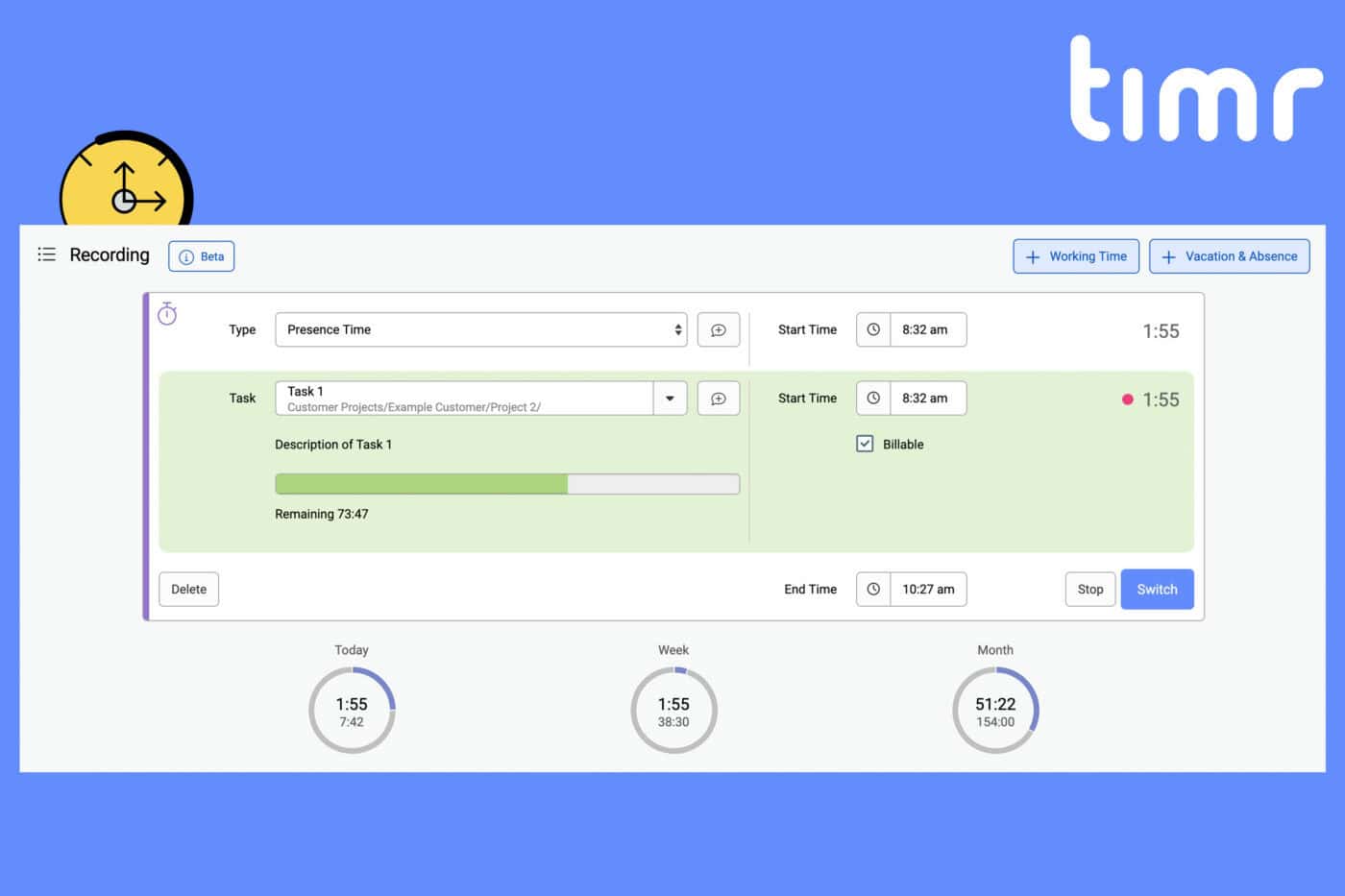
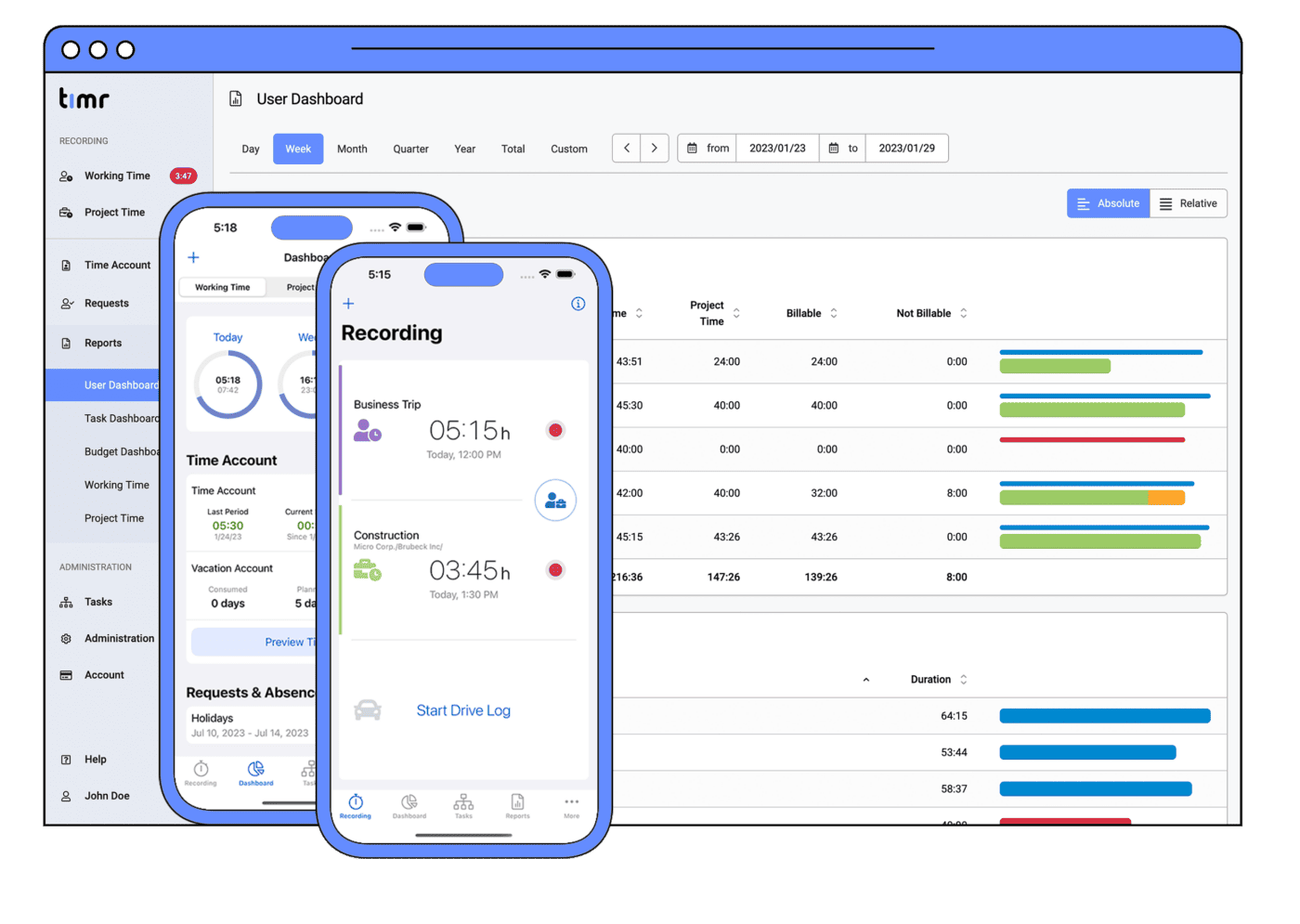
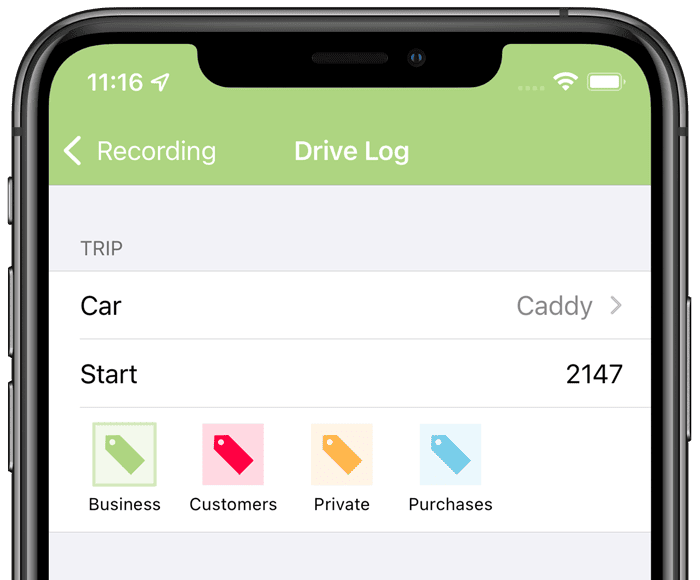
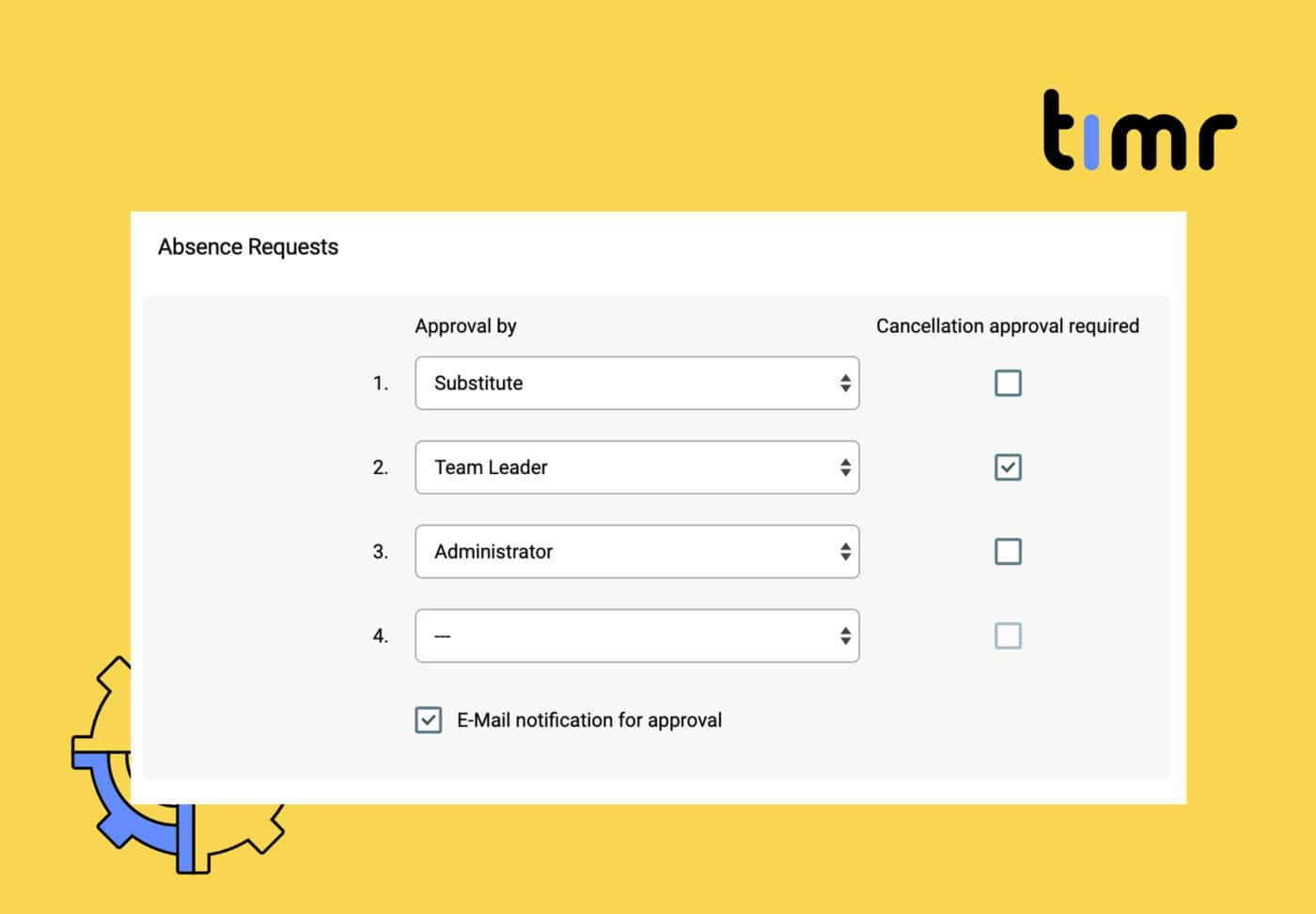
We’re now on the market with timr for more than 2 years. As with most Startup’s, we’ve started very small and with low budget. Since the majority of our team consists of technicians and because we’ve decided to design the website as well as the web application by our own due to the lack of money, the previous design was very technical. Meanwhile, the number of timr users has grown quite well, on the BlackBerry platform we’re among the world’s top 3 time tracking applications. We believe these successes of the last 2 years should also be reflected in the timr appearance. Therefore, we’ve developed the brand new, modern and appealing layout together with Midhouse Creative. From today on, timr gets a new website, web application as well as a new logo. The look&feel of our mobile apps will follow quite soon. For us, the new layout reflects a milestone in the development of timr. At the same time, it’s also the starting point for many great extensions and improvements that will follow in the future. We hope that the new layout matches our user’s taste and we’re really looking forward on your feedback!
  • Allgemein
  • Android
  • Blog
  • iOS
  • Reponses (9) & Trackbacks (0)

    Post a Reply

    Hi guys,

    congratulations on the new design. I really DO like it on the homepage!

    Unfortunately I feel like the new layout does not fit the timr backend. All the pages are basically the same but with new colors and an annoying blue frame around. The simplistic and easy to use feeling is gone. This is a forced redesign if you asked me.

    Please give us paying customers the choice to switch back to the old design or at least an alternate design. THX!

    Regards,

    Steffen

    Jul 22nd, 2011 Reply


    By tom

    Hi Steffen,

    thanks for your feedback. Let me explain why we decided to change the look and feel of the web application to.

    With the new logo and color scheme for timr a redesign of the timr web app was necessary. It is not just the header and footer that changed. All the icons and graphics have been adapted to fit into the new look of timr. Mobile applications will follow to get the new look.

    Maintaining an additional (old) design would be to much effort and as we are just a small team of developers it is not possible for us.

    We hope you will come to like the new look and feel of the web application as much as we do.

    best regards

    tOM

    your timr team

    Jul 22nd, 2011 Reply

      So your argument is: we decided to redesign our website, therefore our application must have one too? I lack the stunning argument here.

      It schould be vice versa. First, the application must be focused on, then build a suitable webpage – as it is the application the people have to work with.

      The old design of timr might have had a ‘technical’ look, but it was cristal clear and usable. Not every Web-GUI today must look like an iphone app. The new GUI is all in blue and white with litte contrast and icons that are worse to recognize. A simple example: the generic money icon was replaced by a dollar symbol. Why without need? Would you recognize a Euro- or Yen-icon as to represent billable?

      What about “Never change a running system”? Add new features, ok. Make it easier to use, ok. Make it look different only for the sake of doing it, no.

      Greetings,

      Thomas

      Jul 23rd, 2011 Reply

      Hi tom,

      thank you for your explanation.

      It is totally okay to establish a general timr CI. I appreciate that.

      You might have felt that your old design was too technical. But it was useful.

      The new design is the opposite. Styled but flawed in terms of useability. I can give you a profound list of things that are done wrong. Starting with the contrasts, the huge amount of space wasted by the footer bar (which has absolutely no function at all), the technical flaws (why does the feedback button overlap content when window is not maximized? have you checked fonts in IE9?) and so on.

      In my humble opinion the design collides with some basic screen and web design rules. I sincerely hope you guys look into this again.

      Regards,

      Steffen

      Jul 25th, 2011 Reply


    By Alan

    I agree with the the need to redesign the timr web app but the new look leaves a lot to be desired. I have to second the comment by Steffen in that the new web app look seems very forced despite the fact that I’m sure a lot of work went into it. Also as Steffen mentioned the main change seems to be the color scheme and the look of the icons, it’s too bad that this effort wasn’t directed at adding value in the form of features, additional reports, etc. Hopefully this redesign is just a precursor to features soon to be released to the public? Also, the blue bar across the bottom of the screen is incredibly pointless and annoying as things stand right now, especially on a small netbook screen which I usually use to view my Timr. Sorry guys, this was a HUGE miss and unless things are being rolled out (and soon!) to make this update make sense then I will be headed elsewhere. I know I don’t represent a lot of money in Timr’s pockets but I think you can be sure that your first two comments on the redesign probably represent the sentiments of a sizable portion of your customer-base.

    Jul 23rd, 2011 Reply


    By tom

    As you said the look was very technical as we are all technicians and we created the look our self when we created timr over two years ago. We want to have a nice and clean look even for non technicians – because that is what most of our users are.

    Let me assure you that the current design will stay for a long time and the next changes we will make are new features and functionality.

    Jul 24th, 2011 Reply

    Thank you so much for good application.

    It is just simple, easy to use, and very useful!!

    Only thing i want to have, is the function of editing and deleting of task.

    Thank you,

    Hye- jeong

    Feb 8th, 2012 Reply


      By mario

      Thanks for your nice feedback!

      You can edit and delete tasks on the web App. Did you already try it? Please note that you don’t have to delete tasks, you can also deactivate a task so that you can still keep the project time records for this task.

      Please contact our support if you need further help!

      Feb 8th, 2012 Reply

    Leave a Reply

    Leave a Response

    SEARCH

    SIGN UP FOR FREE

    timr is the easiest way to track your time and boost your productivity.


    Try it free - no credit card needed